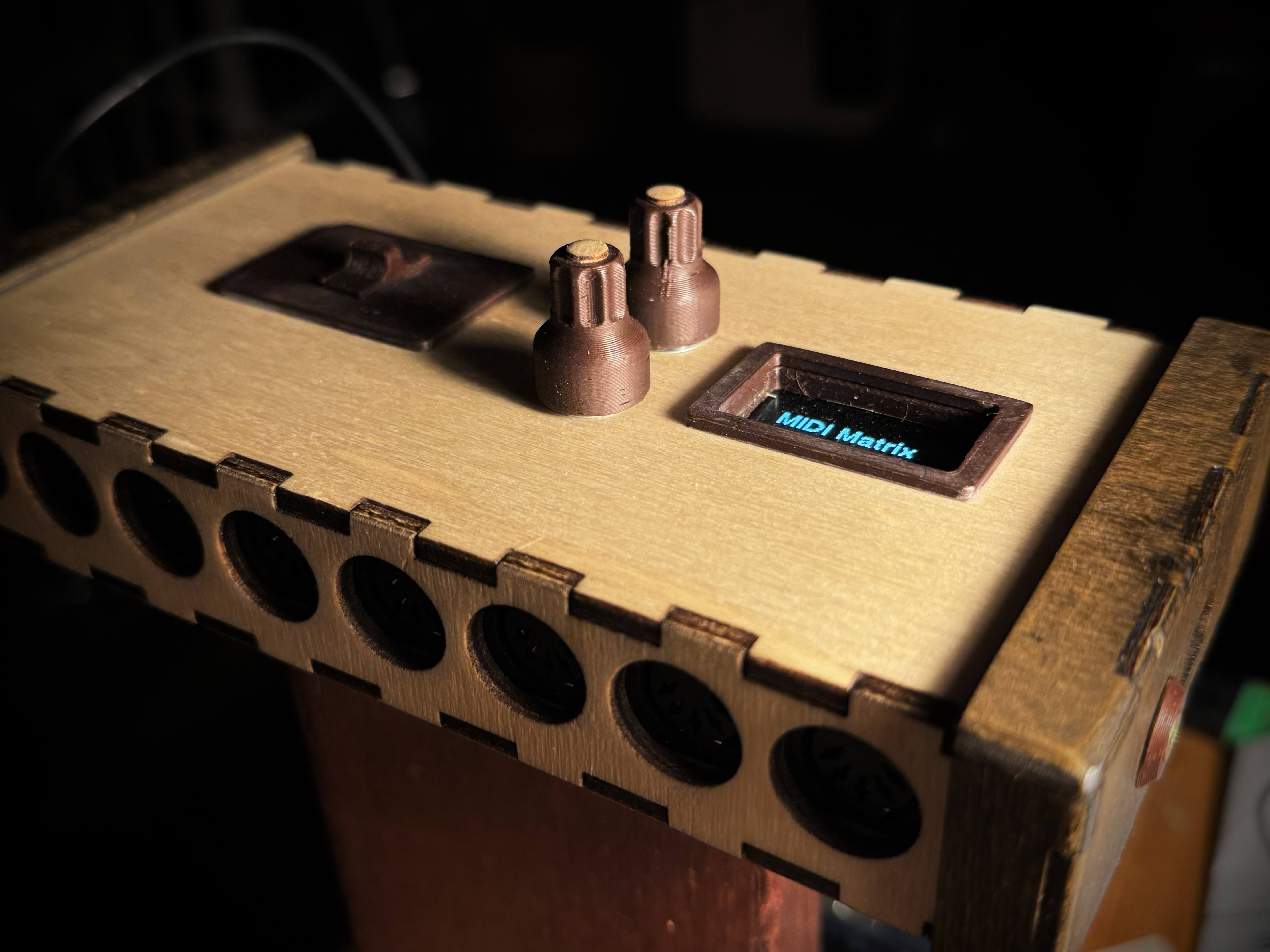
MIDI Matrix Router is an embedded device built around a Teensy 4.1 microcontroller. It sits between MIDI instruments and sound modules, routing, filtering, transposing and splitting MIDI messages in real time across 8 independent input ports and 8 output ports.
Every routing configuration is called a song, and each song can contain up to 16 independent subsongs — discrete routing states that can be recalled instantly during a live performance. Songs are stored on an SD card and selected via two rotary encoders and a small OLED display directly on the device.
Any MIDI input can be routed to any combination of outputs, with independent channel mapping, note filtering, velocity filtering, transposition and fuzziness per connection.
A song holds up to 16 subsongs. Each subsong is a complete, independent routing state. Switching subsongs is instantaneous and non-destructive — ideal for live performance.
Each routing action can include: note-range filter, velocity-range filter, transposition (semitones), fuzziness (randomised pitch), and MIDI channel remapping (OMNI, ROUTED, or THROUGH).
Songs are stored as compact binary files on a standard SD card. The device boots and loads the last active song automatically, with no host computer required.
The device is built around the Teensy 4.1, a compact ARM Cortex-M7 board running at 600 MHz with native USB MIDI and hardware serial ports — enough to handle 8 simultaneous MIDI streams with negligible latency.
The firmware is written in C++ (Arduino/Teensyduino). The MIDI processing loop runs with hard real-time priority; UI rendering and SD operations happen on a cooperative scheduling layer.
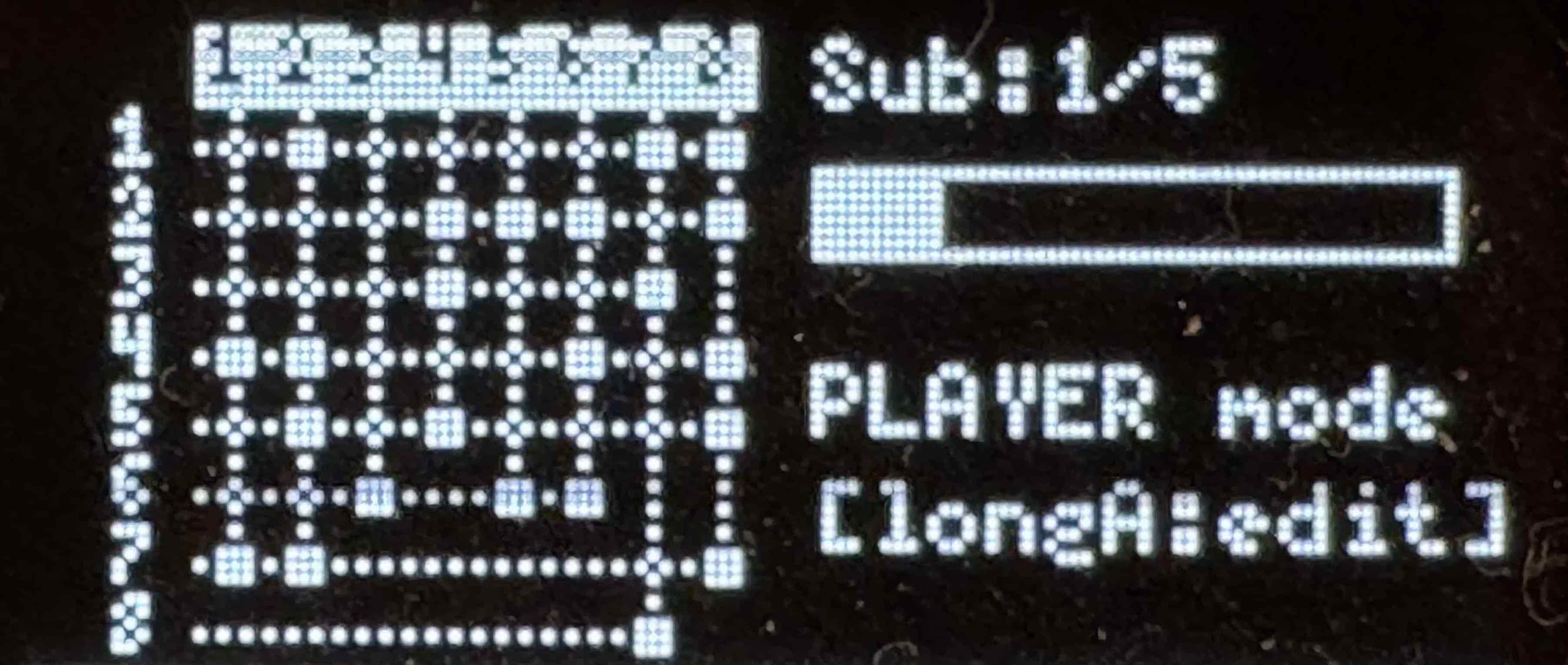
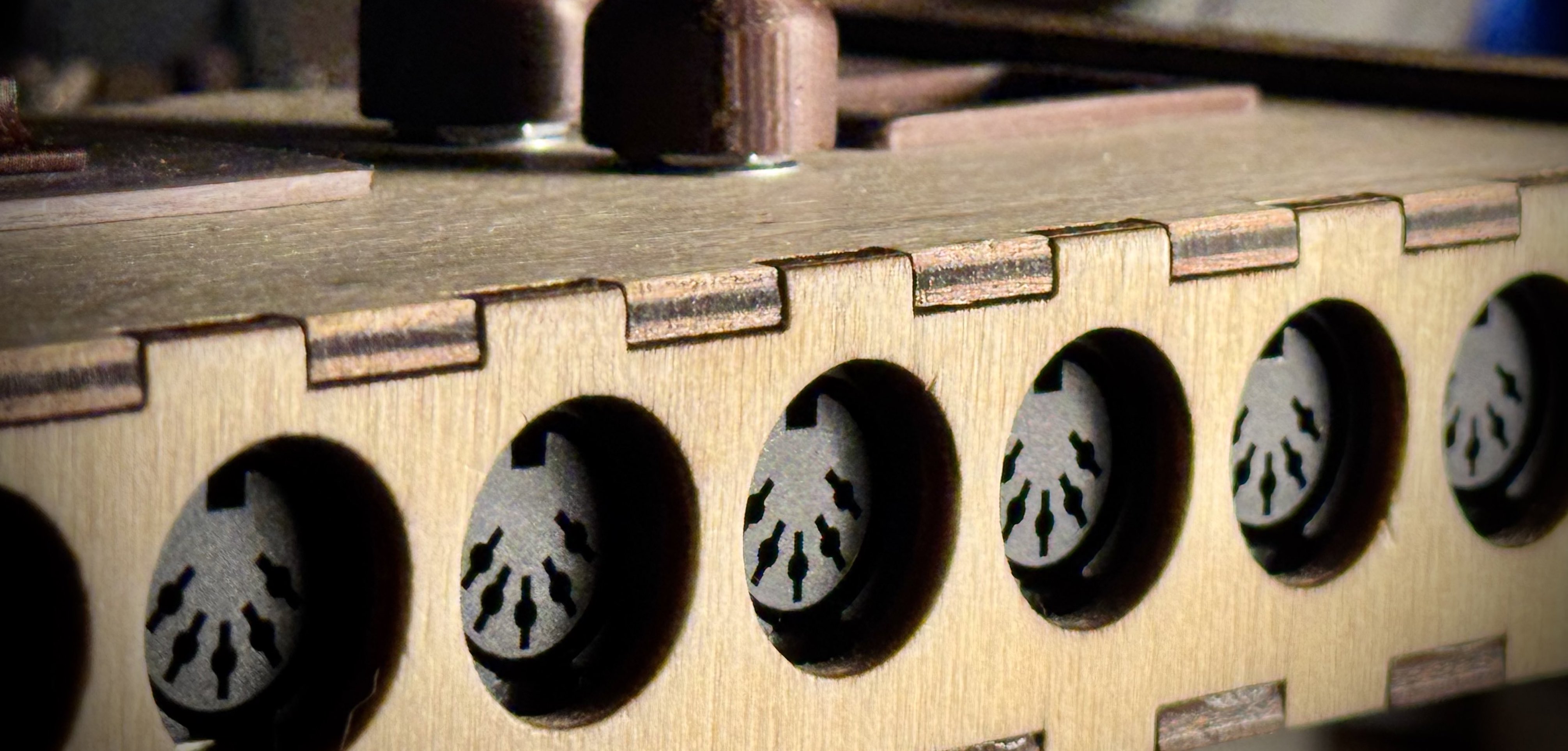
The routing state of a subsong can be represented in two equivalent ways: as a matrix and as a directed operator graph. Both views are fully editable and always in sync.
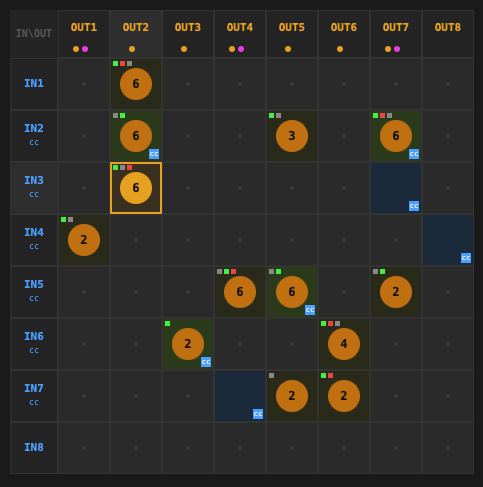
The matrix is an 8 × 8 grid where rows are MIDI inputs and columns are MIDI outputs. Each cell represents a potential connection. Clicking a cell opens a per-connection editor where you can set the note range, velocity range, transposition, fuzziness and channel mapping.
The matrix view is the most direct representation of the hardware routing table stored on the device: it maps one-to-one onto the binary file on the SD card.
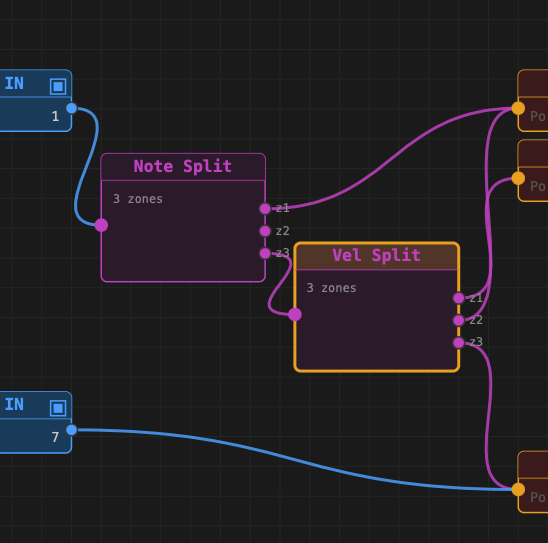
The graph view represents the same routing as a signal-flow diagram. MIDI data flows left to right through a chain of operator nodes — filters, splitters, transposers — before reaching an output port.
The graph makes the structure of a patch immediately visible: shared processing, splits by note range or velocity, and per-output channel remapping are all explicit nodes that can be connected graphically.
Any matrix configuration can be automatically abstracted into a compact operator graph — the web editor does this with one click, choosing between a flat representation (one filter chain per cell) and an optimised one that factors out shared operators into split-note and split-velocity nodes.
Conversely, any operator graph can be solved back into the matrix: the graph compiler traverses all paths from each MIDI input to each output, collects the operator parameters along the way, and writes the corresponding matrix cells.
The two representations are equivalent within a well-defined boundary: the graph can only express operations that the hardware supports (note range, velocity range, transposition, fuzziness, channel remap). Operations that cannot be expressed as a finite combination of these primitives — such as conditional routing based on message timing — lie outside the model.
The web editor runs entirely in the browser. It communicates with a small Node.js server that reads and writes the binary song files used by the device.
Click any cell to open the per-connection parameter editor. Toggle connections, set note/velocity ranges with sliders, adjust transposition and fuzziness.
Add, connect and configure operator nodes visually. The graph compiler validates the patch and writes it back to the matrix in real time.
Convert any matrix patch to its most compact graph representation automatically. Two modes: flat (one chain per routing action) and optimised (split nodes factored out).
Save the current song as a .bin file ready to be copied to the SD card and loaded by the device.
.bin files.